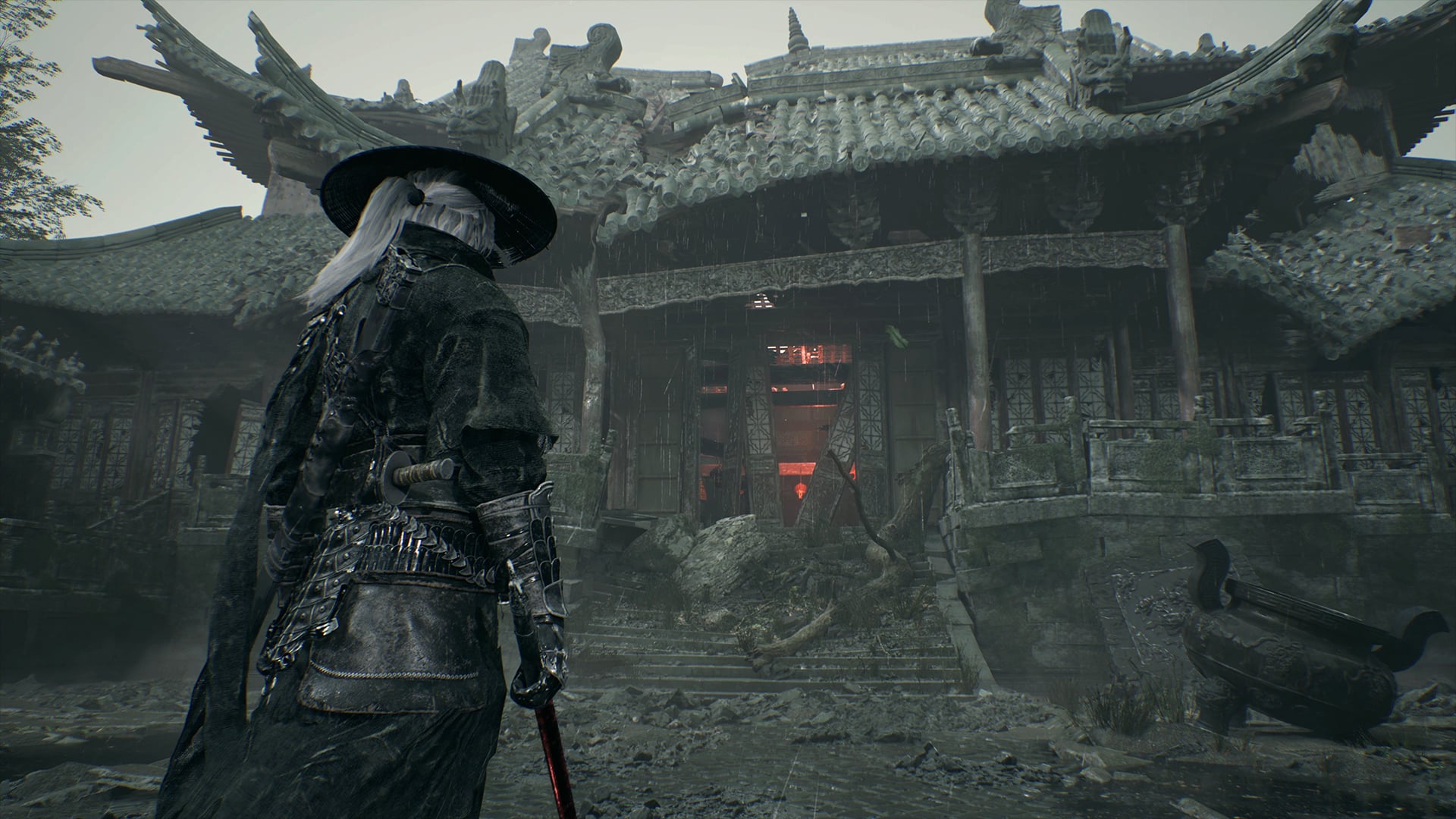
Use the PS5, Steam or Epic Games Store links in the sources below. Each comes from the developer's official pre-order announcement. Choose the store for the platform and account you intend to use.
Choose a platform first
- PS5: open the PlayStation Store source link and check your account's region.
- PC: use the Steam or Epic Games Store source link and compare the features and terms you need.
- Confirm the product is Phantom Blade Zero and that the edition is the one you intend to buy.
Avoid misleading price comparisons
Storefronts can automatically select different countries and currencies. A number from one region is not a quote for your account. We do not convert a displayed yen, euro or franc price into a supposed Chinese or global launch price.
- Check the final currency, regional availability and payment total.
- Review the store's applicable refund terms before paying.
- A guide's language is independent of the game's supported language list.
What these links do
These links open external stores; this site does not sell the game, issue activation keys or process payments. No account credentials are needed to read our guides.
Sources & verification
Information reflects the listed sources and check date. Store details, availability and game features may change. This guide does not claim hands-on testing.